How to set up your Google Business Profile as a tradesperson
Google Business Profile is the most powerful free tool for a local tradesperson. Here's how to set it up properly and start appearing in local search results.
Published 10 May 2026
Why Google Business Profile is non-negotiable
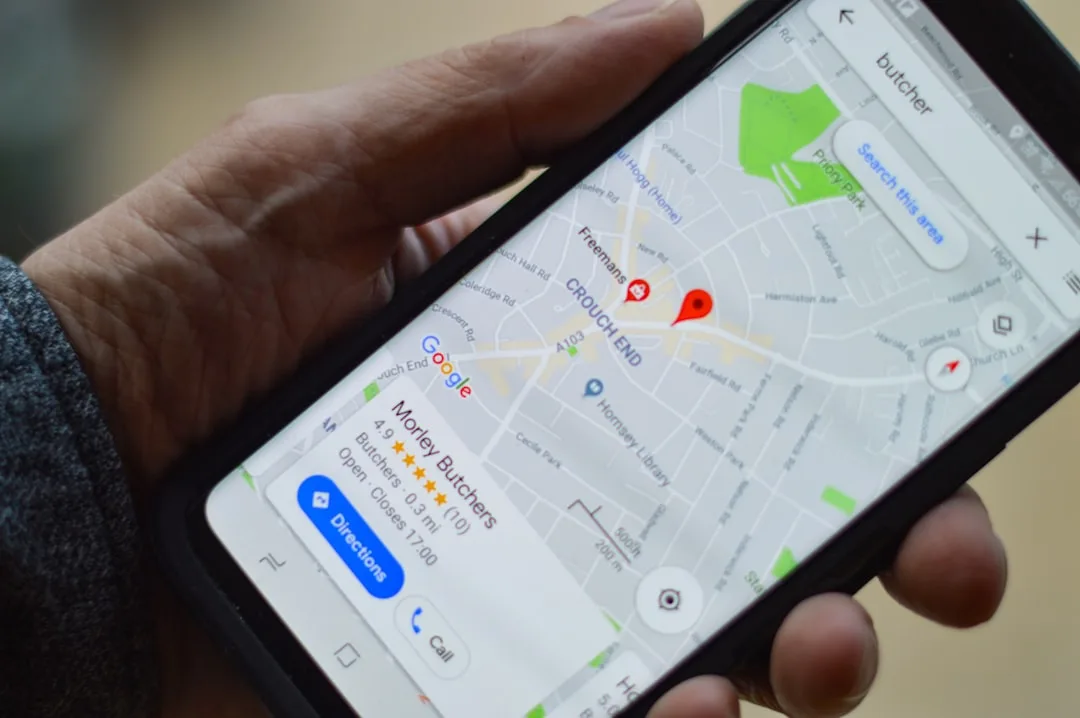
When a homeowner types "plumber near me" or "electrician [town]" into Google, the first results they see are not websites — they're Google Business Profile listings displayed in a map pack at the top of the page. These listings show the business name, star rating, phone number, and distance from the searcher.
A tradesperson without a Google Business Profile is invisible to this search behaviour — which represents the majority of local service searches in the UK.
Step 1: Claim or create your profile
Go to business.google.com and sign in with a Google account. Search for your business name. If a listing already exists (Google sometimes creates them automatically), claim it. If not, create a new one.
You'll be asked to verify your business — typically by postcard (Google sends a card with a verification code to your business address), though phone and email verification are sometimes offered.
Step 2: Choose the right categories
Your primary category has a significant impact on which searches you appear in. Choose the most specific applicable category:
- Plumber → "Plumber" (not just "Contractor")
- Gas engineer → "Heating contractor" or "Gas installation service"
- Electrician → "Electrician"
- Bathroom fitter → "Bathroom remodeling service"
You can add secondary categories — for example, a gas engineer might add "Plumber" and "HVAC contractor" as secondary categories to capture related searches.
Step 3: Complete every section
- Business name: Use your real trading name — no keyword stuffing (this violates Google's guidelines)
- Address: Even if you work from home and don't want your address public, you need to specify a service area. Choose "I deliver goods and services to my customers" and set your service radius or list postcodes
- Phone number: Your mobile number is fine
- Website: If you have one. If not, you can link to your trade profile on a directory
- Hours: Be honest — if you don't want 9pm calls, don't list yourself as available 24/7
- Services: Add every service you offer with descriptions
Step 4: Add photos
Profiles with photos receive significantly more clicks than those without. Upload at minimum:
- A profile photo (your face or logo)
- A cover photo (your van or a finished job)
- 8–10 photos of completed work — before and after shots work exceptionally well
Step 5: Collect reviews consistently
Reviews are the primary factor in Google's local ranking algorithm. Even a new profile with 10 genuine 5-star reviews will outrank a long-established profile with two reviews. Make asking for Google reviews part of your job completion routine — send the review link by text the same day you finish every job.
Step 6: Post updates regularly
The Posts feature lets you share updates, job photos, and offers directly on your profile. Posting once or twice a month signals to Google that your profile is active, which helps rankings. It also gives homeowners browsing your profile more reasons to choose you.
The long-term payoff
A fully optimised Google Business Profile with consistent reviews is a genuine competitive advantage that compounds over time. Most sole-trader tradespeople have either no profile or a neglected one — taking an hour now to set it up properly puts you ahead of the majority of your local competition.