How to manage bookings and avoid double-booking
Double-booking a customer is deeply unprofessional and easily avoidable. Here's how sole-trader tradespeople can manage their diary properly.
Published 10 May 2026
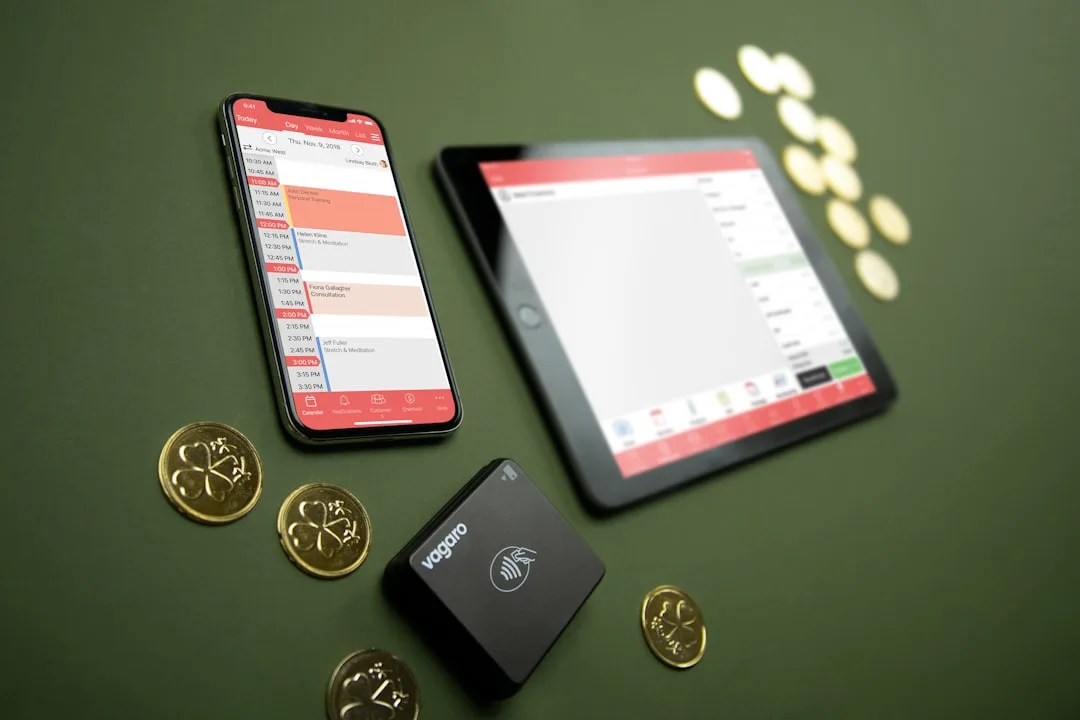
Why double-booking happens — and why it's a serious problem
Double-booking usually happens when a tradesperson manages their bookings across multiple channels — phone calls, texts, WhatsApp, word of mouth — without a single system to tie them together. You confirm a job verbally on Monday, forget to write it down, and then book someone else in for the same slot on Wednesday.
Turning up late or calling to cancel on the day destroys trust and can cost you repeat business and referrals. One double-booking that leads to a frustrated customer review can undo months of reputation-building.
The paper diary problem
Many sole-trader tradespeople still rely on a paper diary. It works until it doesn't — when the diary is in the van and you're booking a job on the phone at home, or when your handwriting is illegible, or when you can't check availability at a glance across three weeks.
Paper diaries also give you no way to send booking confirmations to customers, which is one of the most effective ways to reduce no-shows.
Switch to a digital calendar
Google Calendar (free) is sufficient for most sole traders. It lives in your phone, syncs instantly, and lets you view your week at a glance. Here's a simple system:
- Create a new event as soon as you confirm a booking — before you hang up the phone
- Include the customer's name, address, phone number, and a note about the job in the event description
- Set a reminder for the evening before and one hour before the job
- Block out travel time between jobs so you don't accidentally overlap
Send booking confirmations
After confirming a booking, send a simple text message to the customer:
"Hi [Name], confirming your booking for [job type] at [address] on [date] at [time]. Please give me a call on [number] if you need to change anything. See you then — [Your name]."
This message does three things: it confirms the details to both parties (so there is no confusion), it signals that you are professional and organised, and it dramatically reduces no-shows because customers are less likely to forget or double-book you if they have a written confirmation.
Consider a dedicated booking tool
If you're handling more than 5–6 bookings per week, a dedicated tool that combines your calendar, customer records, and confirmations in one place starts to earn its keep. The time you save not chasing confirmations and managing double-bookings adds up quickly over a year.
Set a cancellation policy — and enforce it
Including a cancellation clause in your booking confirmation reduces last-minute cancellations. A simple "48 hours' notice required to rebook without a rebooking fee" is reasonable and professional. Most customers will respect it — and the rare ones who don't will self-select out before you waste half a day driving to an empty house.